

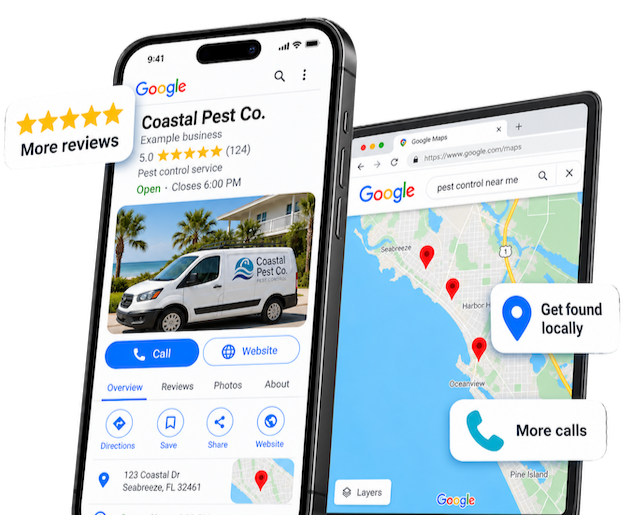
Asking for a Google review does not need to become a sales pitch. The strongest request is usually straightforward: acknowledge the customer’s experience, explain that feedback is helpful, and make the next step easy.
The process matters as much as the wording. If requests depend on someone remembering during a busy day, they will be inconsistent. If the business pressures customers or asks only selected happy customers, it creates a different problem.
Choose a moment that makes sense
Ask when the customer has had enough experience to give meaningful feedback: after a completed service, a delivered product, or another appropriate milestone. Do not ask for a review before there is an experience to review.
Decide who owns the request and how it is sent. A technician, account manager, or automated workflow may initiate it, but the message should still fit the customer relationship. Use channels the business is authorized to use and honor communication preferences.
Keep the request short and neutral
A practical example:
“Thanks for choosing [Business]. If you have a moment, we would appreciate an honest review of your experience: [review link]. Your feedback helps other customers understand what to expect.”
Replace the placeholders with accurate details. Do not prescribe a rating, tell customers what keywords to include, or make the request sound like a condition of receiving support. The point is an honest account, not a scripted endorsement.
Follow the platform’s rules
Google prohibits incentives in exchange for reviews, including discounts or free goods, and prohibits selectively soliciting positive reviews. Do not use a satisfaction question to send only happy customers to Google while steering everyone else into a private channel. Google’s review guidance explains the core requirements.
You can still invite private feedback and resolve problems. Just do not use that process to filter who gets the opportunity to leave a public review.
Make the workflow easy to maintain
- Use the business’s direct review link and test it on a phone.
- Record when a request is sent so staff do not repeatedly ask the same person.
- Set a restrained follow-up policy rather than an endless reminder sequence.
- Give staff a clear way to flag customer concerns for a human response.
- Review the wording periodically when the service experience changes.
Automation should reduce missed steps, not remove judgment. A customer in the middle of resolving an issue may need an attentive person more than another scheduled message.
Respond as if future customers are reading
Thank reviewers for specific, appropriate feedback. For criticism, remain calm, acknowledge the concern, and offer a suitable private channel for details. Avoid posting personal information or turning the reply into a public argument. Do not promise to remove legitimate criticism simply because it is uncomfortable.
Look for patterns in the feedback. Reviews can reveal unclear expectations, communication gaps, or parts of the service customers value. Use those observations to improve the experience, not just the profile.
Our GBP and reviews service connects profile management with a practical review routine. Check the profile optimization checklist to make sure the rest of the listing supports the same experience.